







See POAS vs revenue-only reporting
Profit Bid connects store costs to ad spend so you bid on margin — not vanity ROAS.
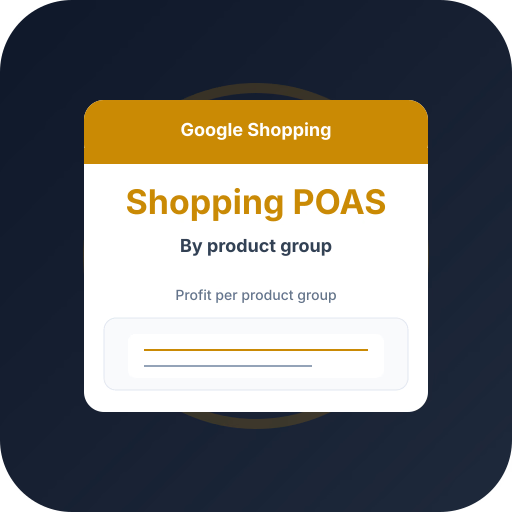
Track POAS automatically from your store — upload profit conversions and scale winners with A/C/X labels.
Product groups hide margin
Shopping subdivides your feed into product groups. Default bidding treats them by revenue, so heavily discounted groups can dominate spend.
POAS by product group reveals which groups deserve budget.
Custom labels for profit tiers
Push POAS tiers into custom_label fields, then structure product groups and bids around them.
Profit Bid keeps these labels current from live margin, so your Shopping structure follows profitability automatically.
Frequently asked questions
Common questions about this topic — tap to read answers.
Does this work with PMax?
Yes — the same profit values and labels guide PMax asset groups. See the PMax vs standard Shopping guide.
How many custom labels do I get?
Merchant Center offers custom_label_0 through _4. Use one for POAS tiers and reserve others for margin, season, or velocity.





