
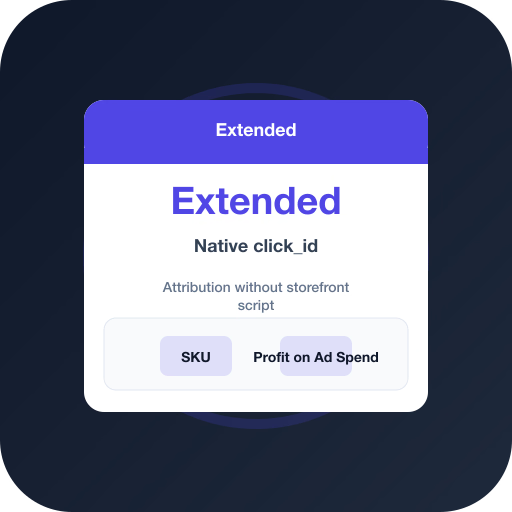
See Profit on Ad Spend vs revenue-only reporting
Profit Bid connects store costs to ad spend so you bid on margin — not vanity Return on Ad Spend.
Extended: Return on Ad Spend flat, Profit on Ad Spend improves after COGS + click_id
Index- Return on Ad Spend (revenue)
- Profit on Ad Spend (profit)
Native click_id plus catalog costs let Smart Bidding prefer margin-positive Extended SKUs.
Extended ad-attributed profit mix
- A — scale45%
- C — optimize30%
- X — exclude25%
A/C/X labels protect Shopping when Extended status or thin margins would waste spend.
Connect Extended via API key — use native click_id and upload Profit on Ad Spend to Google Ads.
Why Extended needs Profit on Ad Spend
Extended stores can report strong revenue Return on Ad Spend while acquisition cost and shipping erase contribution on the same products.
Profit on Ad Spend uses Extended order economics plus native click attribution so each ad platform receives margin-weighted conversions.
Extended Profit on Ad Spend setup
Connect the API, map costs, confirm attribution, then enable uploads.
- In Extended, enable the API / Profit Bid module and create an API key (ev2_…).
- In Profit Bid → Connect store, enter HTTPS store URL and API key.
- Sync products (images via main_image) and set COGS on bestsellers.
- Confirm Extended attribution is active so orders include click_id.
- Link Google Ads and other ad platforms; enable Profit on Ad Spend upload.
- Optional: register HMAC webhooks; otherwise the ~10 minute poll covers orders.
- Turn on A/C/X labels after cost coverage is solid.
Native click_id mapping
Extended sends one attribution.click_id per order. Profit Bid maps gclid / gbraid / wbraid to Google, fbclid to Meta, ttclid to TikTok, msclkid to Microsoft, and epik to Pinterest.
Frequently asked questions
Common questions about this topic — tap to read answers.
How do I connect Extended?
Enable the API module in Extended, create an API key, then connect from Profit Bid with store URL + key and sync products.
Do I need a click-tracking script?
No. Extended provides attribution.click_id natively. Ensure attribution is active on the storefront so checkout orders include the click.
What does module_inactive mean?
The Extended API module is not enabled for that shop. Activate it in Extended admin, then reconnect with a fresh key.