








See POAS vs revenue-only reporting
Profit Bid connects store costs to ad spend so you bid on margin — not vanity ROAS.
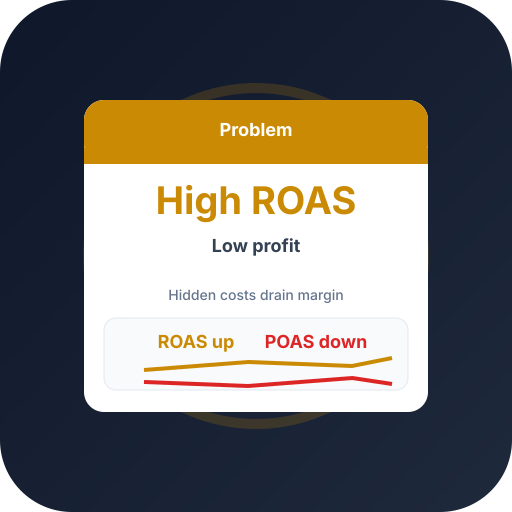
ROAS up, POAS down — the divergence
- ROAS %
- POAS %
The textbook warning sign: ROAS climbing while POAS falls below break-even. Bidding is optimizing revenue, not profit.
Track POAS automatically from your store — upload profit conversions and scale winners with A/C/X labels.
The ROAS–POAS gap
ROAS uses revenue; your P&L uses profit. The wider the gap between the two lines, the more your bidding is optimizing the wrong thing.
Scaling on ROAS then pours budget into revenue that does not survive contact with COGS and shipping.
Closing the gap
Map real costs into per-order profit and upload it as conversion value. Bidding now chases the profit line, not the revenue line.
Exclude persistent loss makers with X labels and reallocate to A-tier heroes.
Frequently asked questions
Common questions about this topic — tap to read answers.
Why does my ROAS look fine then?
Because ROAS never sees COGS, shipping, discounts, or returns. It can be high while every one of those quietly erodes profit.
How fast can I fix it?
Many merchants see POAS improve within 2–4 weeks of uploading profit values and excluding loss makers.





